

The booking frame
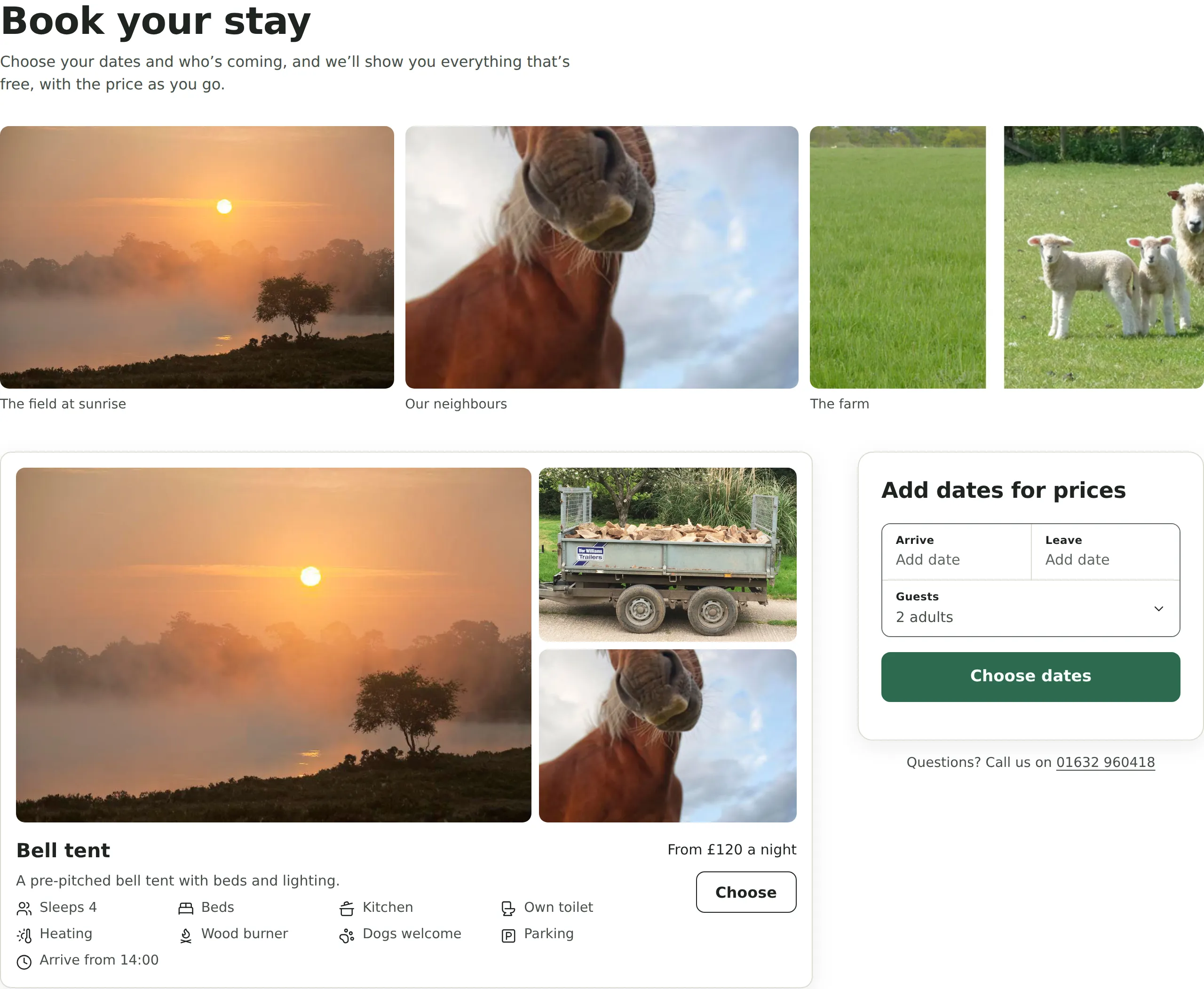
The frame shows Kipdown’s hosted booking page inside another website. Use it for Wix or another builder that cannot run the booking element’s module script. It needs no account or keys on the website, and can be embedded on any website.
Add the frame
Section titled “Add the frame”The owner can copy their business’s code from Settings → Where guests book, under Put it on a page of your website or Other ways. The owner’s instructions cover individual builders.
-
Put the following HTML where booking should appear, replacing
your-businesswith the id in the owner’s copied code:<iframe src="https://book.kipdown.com/your-business?embed" title="Booking" allow="payment" style="width:100%;height:900px;border:0"></iframe><script src="https://book.kipdown.com/v1/embed.js" async></script> -
Publish the page and open it outside the builder’s editor.
-
Go through the dates and guest details. Check the frame grows as the content changes and that the next step scrolls into view. On Wix, also make the outer Embed HTML element tall enough; Kipdown cannot resize the builder’s surrounding element.
Markup and options
Section titled “Markup and options”| Part | What it does |
|---|---|
src |
https://book.kipdown.com/your-business?embed shows the booking flow without the hosted page’s header and footer. |
title="Booking" |
Gives the frame an accessible name. Keep a meaningful title. |
allow="payment" |
Allows the frame to use browser payment features. Keep it in the copied code. |
width:100% |
Fits the frame to its surrounding space. |
height:900px |
Starting height, and the fixed height if the sizing script cannot run. |
border:0 |
Removes the browser’s frame border. |
?embed&heading=off |
Also removes the booking flow’s heading and introduction, for a surrounding page with its own heading. In HTML attributes, write the separator as &. |
?embed&preview |
Tries the booking page before or after it is open. It stops before making a booking. Remove preview before taking bookings. |
For example, to omit the heading:
<iframe src="https://book.kipdown.com/your-business?embed&heading=off" title="Booking" allow="payment" style="width:100%;height:900px;border:0"></iframe><script src="https://book.kipdown.com/v1/embed.js" async></script>Booking choices in links also work in the src. The frame does not copy choices from the surrounding page’s address. The hosted frame does not expose a photos query option.
The hosted management page can be framed at https://book.kipdown.com/your-business/booking?embed. A guest’s link also needs &ref=REFERENCE#key=KEY; preserve the key after #.
What embed.js does
Section titled “What embed.js does”embed.js is a classic script, so it does not need type="module". Load it from the same origin as the frame. It listens to Kipdown’s height and scroll messages and checks both their origin and the sending frame. It supports several frames; loading the script twice still installs only one listener.
The script changes each frame’s height to fit its content, letting the surrounding page scroll. When the guest moves to another step or needs to fix a problem, it scrolls the surrounding page to that point. For a fixed website header, set scroll-margin-top on the frame:
iframe[title="Booking"] { scroll-margin-top: 5rem;}Without the script the booking frame still works, with its own scrolling at the height supplied in the markup. If content is cut off, check whether the builder removed the script and whether it imposes a fixed outer height.
Appearance and versions
Section titled “Appearance and versions”The frame uses the business’s colour from Settings → Your business. CSS and fonts on the surrounding website do not cross into the frame. Use the booking element if you need the full set of appearance properties.
/v1/embed.js changes only compatibly. A breaking change would use a new version path.