

Opening dates and minimum stays
Choose which nights guests can book online, when they arrive and leave, and how long they can stay. You can still add a booking yourself outside the online date and stay-length rules.
For a temporary closure, maintenance or keeping a place for yourself, close dates from the calendar.
Set when your place is open
Section titled “Set when your place is open”- In the menu, open Stays and prices → Your place.
- Under When you’re open, press + Add open dates.
- Give the dates a Name, such as “Summer 2027”, and enter the First night and Last night. The last night is included; guests leave the next morning.
- Leave Shortest stay starting in these dates empty to use each stay’s usual minimum. Fill it in if these dates need a longer stay.
- Press Add. Check the dates in the list and the strip above it.
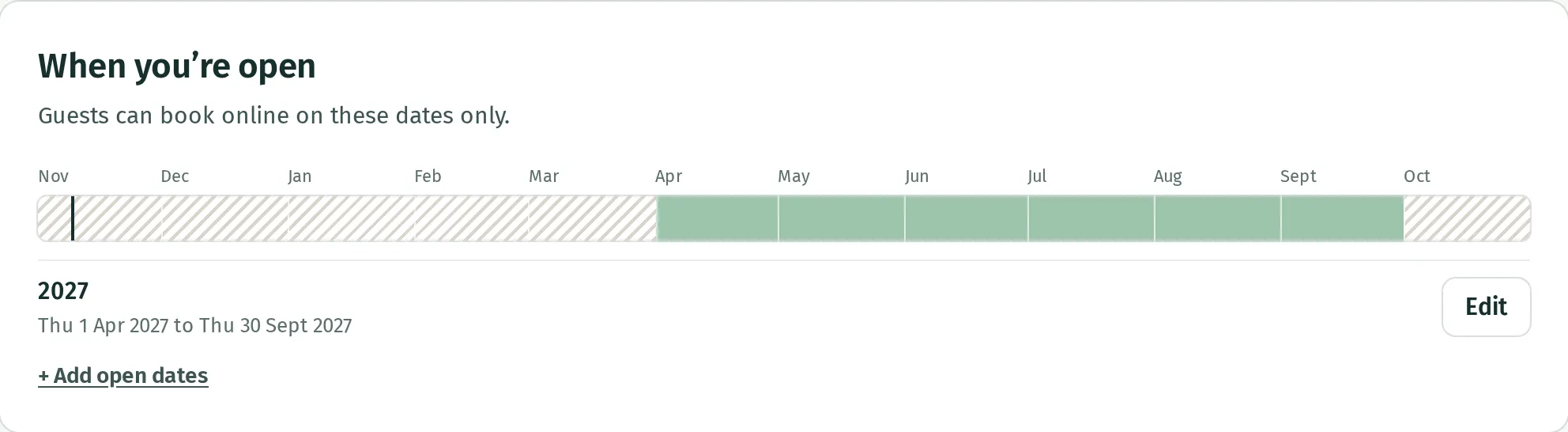
Add another range for another season or year. Dates do not repeat automatically. Every night of an online booking must be open, so a guest cannot book a stay running through a closed night.
To change a range, press its Edit button. Changes save as you edit; Done closes it. Remove takes the range away without cancelling existing bookings. Other overlapping open ranges still apply.
Give one stay its own dates
Section titled “Give one stay its own dates”- Open Stays and prices → Prices.
- Find the stay and press Open dates.
- Choose Only on these dates.
- Select the first and last nights on the calendar. Repeat to add another range, then press Done.
When your place has opening dates, the stay’s own dates must fit within them. To return to your place’s dates, choose Whenever your place is open. Stays with their own dates are also listed on Your place.
Set arriving and leaving times
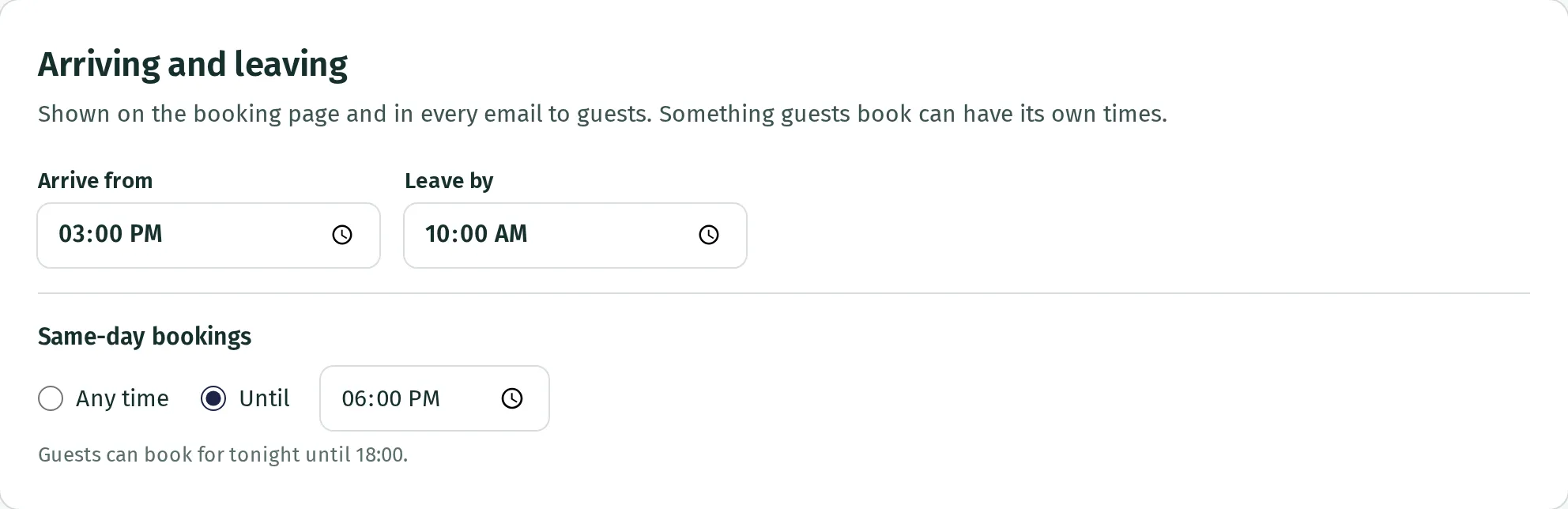
Section titled “Set arriving and leaving times”On Your place → Arriving and leaving, enter Arrive from and Leave by. These save as you change them and appear on the booking page and in guest emails.
For a stay with different times, open Stays → Edit → More rules, choose Different times for that stay, then fill in its Arrive from and Leave by fields. Press Done.
Same-day bookings on Your place lets you choose Any time or Until a time. This is the cut-off for booking tonight online, rather than the time guests may arrive.
Set the shortest and longest stays
Section titled “Set the shortest and longest stays”- Open Stays and prices → Stays and press Edit beside the stay.
- Expand More rules.
- Enter Shortest, in nights and Longest, in nights.
- Switch on Longer stays at weekends if stays containing a Friday or Saturday night need a higher minimum, and enter the number of nights.
- If guests must arrive and leave on particular days, switch on Only certain arrival days and select those days. The choice applies to departure days too.
- Press Done.
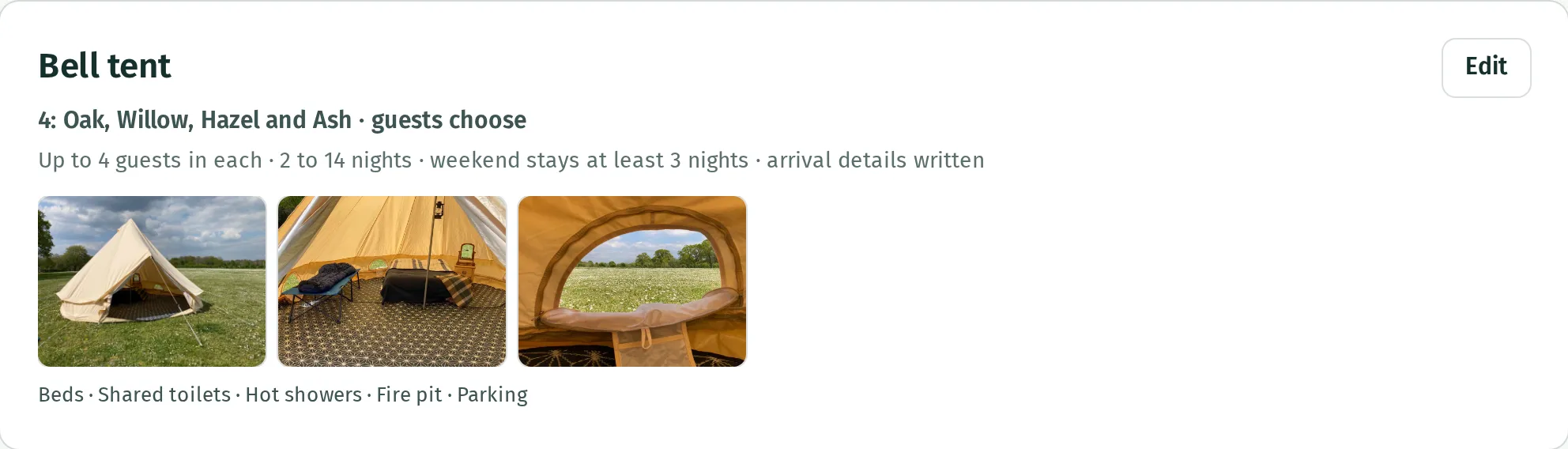
The weekend minimum applies whenever a stay contains Friday or Saturday, even if guests arrive earlier in the week. Bank holidays alone do not trigger it.
Change the rules for a season
Section titled “Change the rules for a season”Under Prices, add a season or edit an existing one, then expand More rules. You can change Shortest stay, in nights, Days stays start and end on and Stays with a Friday or Saturday night. See set your prices for adding the dates.
Seasonal rules apply to stays starting in those dates. The opening dates’ minimum can still require a longer stay. The longest stay remains the one set under Stays.
If guests cannot book the dates
Section titled “If guests cannot book the dates”Check that all nights are open, the stay’s own dates include them, and the length and arrival and departure days meet its rules. Check the weekend minimum too. Adding seasonal prices alone does not make dates available.